· 3 min read
The shape of a code block
How this journal renders code: a hand-rolled tokenizer on the server, and a copy button's worth of client JavaScript.
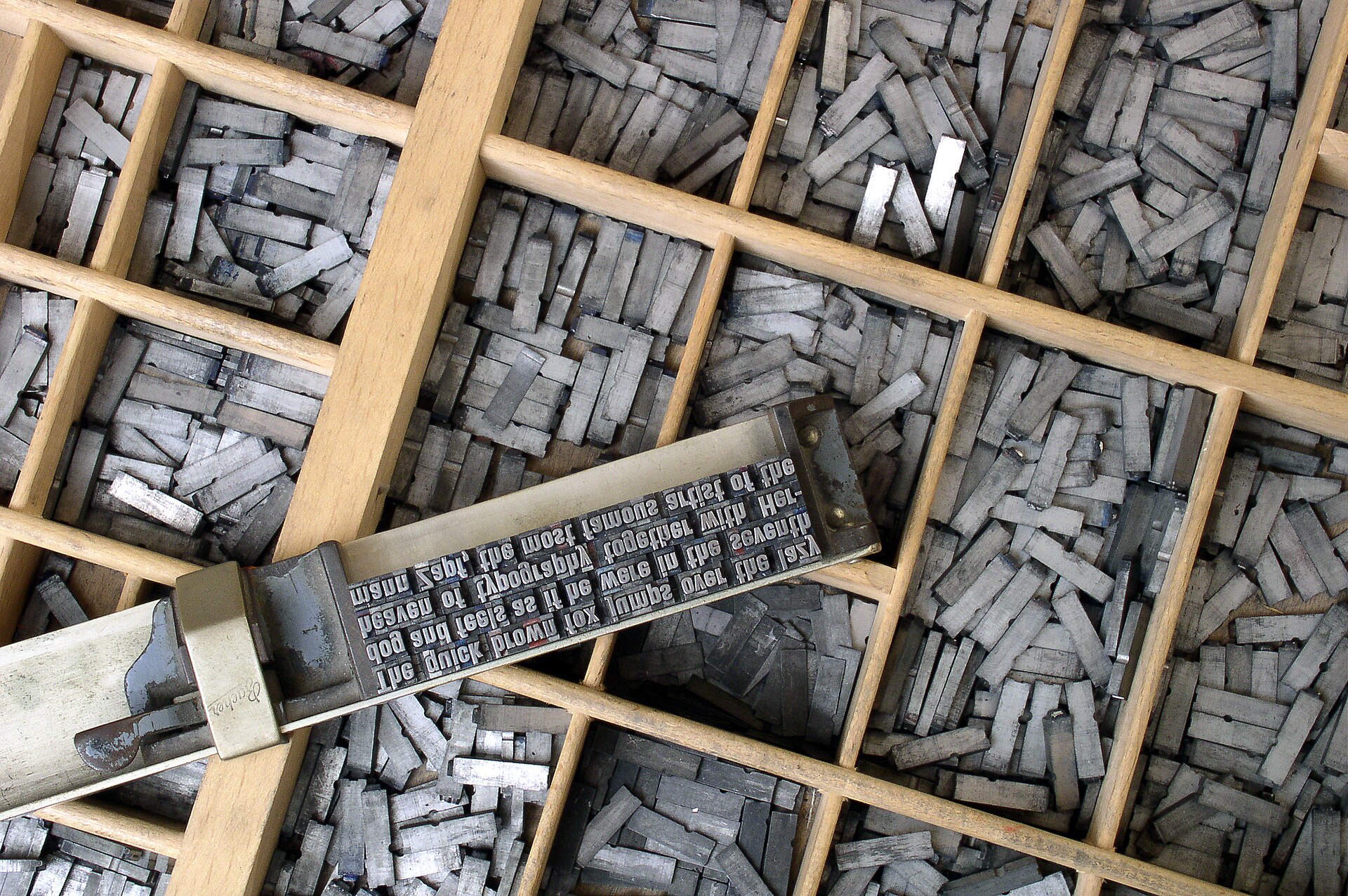

Publishing code on the web usually means shipping a highlighting library to every reader, and I've never liked that trade — the snippet hasn't changed since I wrote it, so why should your browser tokenize it again? Articles here are server components. Each snippet is highlighted once, on the server, and arrives as plain colored HTML.
Painted on the server#
The highlighter is a small scanner: an ordered list of regular expressions per language, tried at each position until one matches. That falls well short of a parser, and for snippets set in a journal it doesn't have to be one — color the comments and strings, pick out the keywords, and most of the meaning is already on the page.
function scan(code: string, rules: Rule[]): Token[] { const tokens: Token[] = []; let pos = 0; while (pos < code.length) { const match = firstMatch(rules, code, pos); if (!match) { push(tokens, "plain", code[pos]); pos += 1; continue; } push(tokens, match.type, match.value); pos += match.value.length; } return tokens;}A block takes a filename and optional line numbers, plus a highlight prop for the lines the paragraph is actually talking about — below, the emphasis marks the tabs being wired up.
import { CodeBlock, CodeTabs } from "../../components";export function Example() { return ( <CodeTabs labels={["pnpm", "npm"]}> <CodeBlock lang="sh" code={installWithPnpm} /> <CodeBlock lang="sh" code={installWithNpm} /> </CodeTabs> );}One shell, many shapes#
When one instruction comes in flavors — pnpm and npm, say — the variants share a single block through tabs. The panels are rendered on the server like everything else; the only client code is the toggle itself.
pnpm add react-routerpnpm devnpm install react-routernpm run devDiffs get the same treatment, with added and removed lines tinted whole:
export const article = { title: "The shape of a code block", published: "2026-07-11T08:30:00Z",} as const satisfies ArticleMeta;Syntax highlighting is typography, not decoration.
The rest of the shell — the dateline above, the footer below, the progress bar at the top of the window — comes from the same small component library every article uses. What varies is the writing, and the occasional interactive island when playing with a thing explains it better than reading about it would.