· 5 min read
A button the page cannot fake
Chrome 151's <usermedia> element makes camera and microphone permission part of a browser-controlled control, not just another JavaScript call behind a page-owned button.
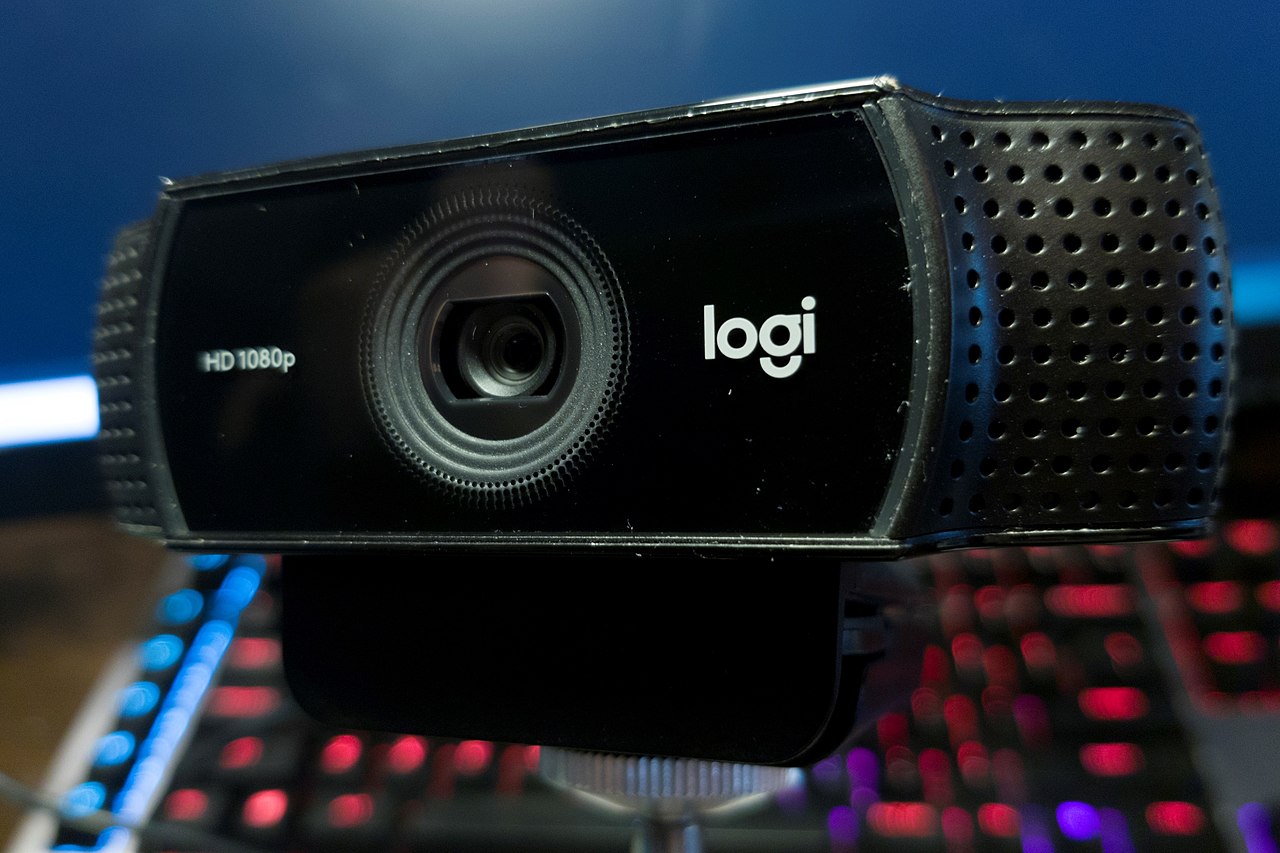

A website can draw a button that says “Enable camera” and make it look exactly right. The browser still has to decide whether the click is followed by a permission prompt, whether a previous denial can be repaired, and whether the page eventually receives a stream. The thing the user clicked and the thing that actually controls access have traditionally been two different pieces of software pretending to be one control.
Chrome 151, released on July 28, adds an interesting answer: the new <usermedia> element. The page places it where the camera control belongs, but the browser owns the sensitive part of the interaction. A physical click supplies a trusted signal of intent, the browser handles the permission flow, and the resulting MediaStream is exposed back to the application.
That sounds like a small convenience API. I think the more useful part is the boundary it draws around a button the page is not allowed to fully impersonate.
The old button has two owners#
With navigator.mediaDevices.getUserMedia(), the application owns the visible control and calls an imperative API when it decides the time is right. The browser owns the permission prompt. Those layers can line up perfectly, but the platform cannot infer very much from the page's pixels: a styled button is still arbitrary site content, and a script call can happen for reasons that are less obvious than the click that appears to precede it.
The awkward case arrives after denial. Chrome's own documentation describes a “permission hole”: once a user has blocked camera or microphone access, a normal page-owned button often cannot repair that decision in context. The user has to find browser-specific settings, change the permission there, then return and try the page again. The application can explain those steps, but it cannot make its original button become the browser's permission control.
Chrome's <usermedia> introduction reports that early capability-control trials improved this recovery path substantially in products from Cisco, Zoom, and Google Meet. I would treat those product numbers as evidence for this particular Chrome UI, not a universal law about permission design. The mechanism is easier to inspect than the percentages anyway.
| Page button + getUserMedia() | <usermedia> | |
|---|---|---|
| Trigger | Application code decides when to call the API | Physical click on a browser-controlled capability element |
| Permission UI | Browser prompt appears separately from the page control | The control and prompt are one browser-managed flow |
| After a denial | Recovery may require browser settings | The element can start an in-page recovery flow |
| What the app receives | A promise resolving to a MediaStream | A MediaStream exposed by the element after consent |
The styling limits are the feature#
The unusual part of <usermedia> is what CSS cannot do to it. Chrome requires readable contrast, full opacity, bounded sizing, and limited transforms. Negative margins and other tricks that could visually obscure the control are restricted. The underlying media-capture explainer calls complete UI customization a non-goal because the browser needs the element to remain a trustworthy representation of the capability state.
That constraint makes sense only if the browser is contributing something the page cannot reproduce by drawing a convincing button. It is contributing provenance. When this particular control is visible and the user physically activates it, the browser knows the gesture reached browser-managed permission machinery rather than an arbitrary rectangle whose meaning exists only in application code.
The same boundary continues after approval. The proposal describes capability elements as data mediators and action brokers: they obtain consent, perform the underlying media request, expose the resulting tracks, and keep a stateful control around the capability. The site still decides what to do with the stream. It just no longer has to fake ownership of the permission state on the way there.
It is deliberately smaller than getUserMedia#
This is not a replacement for the existing API. The W3C Media Capture Elements explainer explicitly keeps getUserMedia() as the primary programmatic primitive. Capability elements are aimed at the common case where a visible user action is supposed to mean “let this site use this hardware.” Scripts still need the lower-level API for flows that do not fit that control.
That narrowness is useful. Earlier work started from a generic <permission> element. The new direction uses capability-specific controls such as <usermedia>, with separate camera and microphone elements proposed behind it. A camera is not geolocation with a different icon: it produces a live stream, has tracks that can be enabled or stopped, and has its own recovery and device-selection behavior. Giving each capability a control lets the browser encode those differences instead of forcing one universal permission widget to know nothing about the thing it grants.
There is also an important reason not to write this as a victory lap yet. The media-capture document is still an unofficial proposal, and <usermedia> is a Chrome 151 feature rather than a broadly shipped web primitive. Chrome's migration guidance therefore treats it as progressive enhancement: unsupported browsers render the child content, JavaScript can detect HTMLUserMediaElement, and the page can fall back to the old getUserMedia() path.
Some controls need an honest surface#
Web applications usually benefit from owning their interface. Camera and microphone permission is a peculiar corner because the site cannot actually grant the thing its button appears to control. The browser owns that authority, remembers the user's previous decision, exposes hardware, and has to defend the prompt against misleading presentation.
Putting a browser-controlled element in the page makes that split visible in the implementation. The site can choose where the control belongs and what happens after a stream arrives. The browser gets to insist that the control remain legible, tied to a real gesture, and capable of repairing its own permission state.
The webcam in the header is an ordinary object sitting on a desk. A page can make a beautiful button for it, but the camera is still outside the DOM. <usermedia> gives the browser a small piece of the button back, which seems appropriate for the piece that decides whether the camera turns on.